
Import Historical Salary Data for Payroll Compliance

At 4Geeks, we understand that migrating to a new payroll software can feel like a daunting process. Maintaining continuity, staying compliant with local labor laws, and ensuring seamless salary calculations require past context.
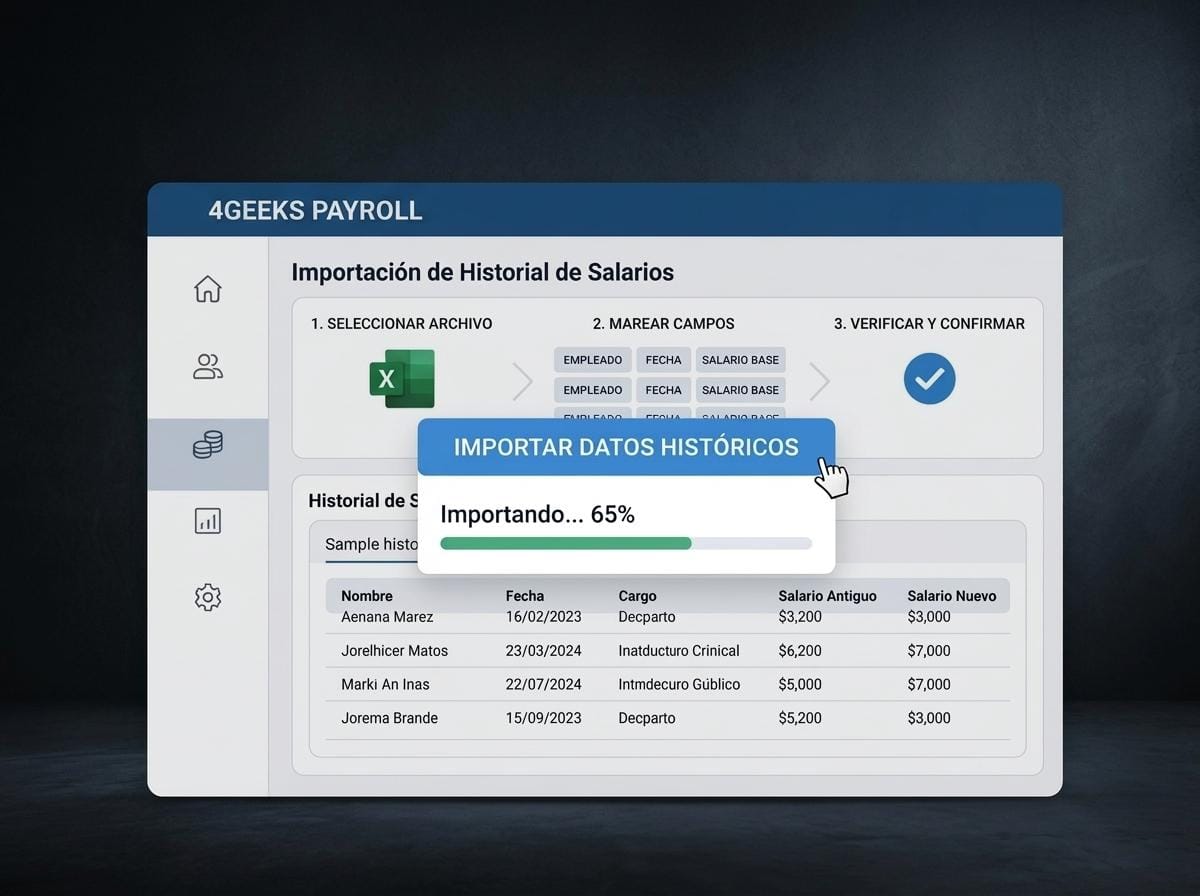
To make your transition smoother and more reliable, we are excited to introduce our latest feature: Historical Salary Data Import for 4Geeks Payroll.
What’s New?
You can now easily upload historical salary data for all your employees directly into 4Geeks Payroll using a CSV file.
By bringing your historical records into the platform, 4Geeks Payroll can analyze past payouts and accurately perform all necessary background calculations—such as severance pay, statutory bonuses, vacation pay adjustments, tax withholdings, and other local compliance metrics.
Key Highlights:
- Simple CSV Upload: Easily format and import your historical salary files in minutes.
- Accurate Automated Calculations: Our payroll engine uses historical context to calculate variable payments, legal benefits, and deductions precisely.
- Full Local Compliance: Stay compliant with local labor laws and regulations by eliminating gaps in employment and pay history.
- Smooth System Migration: Perfect for growing businesses moving from legacy systems or spreadsheets without losing historical records.
Best Practice Recommendation
To get the most accurate calculations and guarantee full regulatory compliance, we strongly recommend uploading at least 6 months of historical salary data for each employee upon setup.
Having a complete 6-month historical window enables 4Geeks Payroll to auto-calculate accurate averages and required statutory payouts effortlessly.
How to Get Started
- Go to your 4Geeks Payroll Dashboard.
- Navigate to the Employees / Payroll Settings tab.
- Select Import Historical Data, download the provided CSV template, and fill in your records.
- Upload your CSV file and verify the data preview before confirming.
Ready to simplify your payroll onboarding? Log in to your 4Geeks Dashboard today and try out the new import feature!